

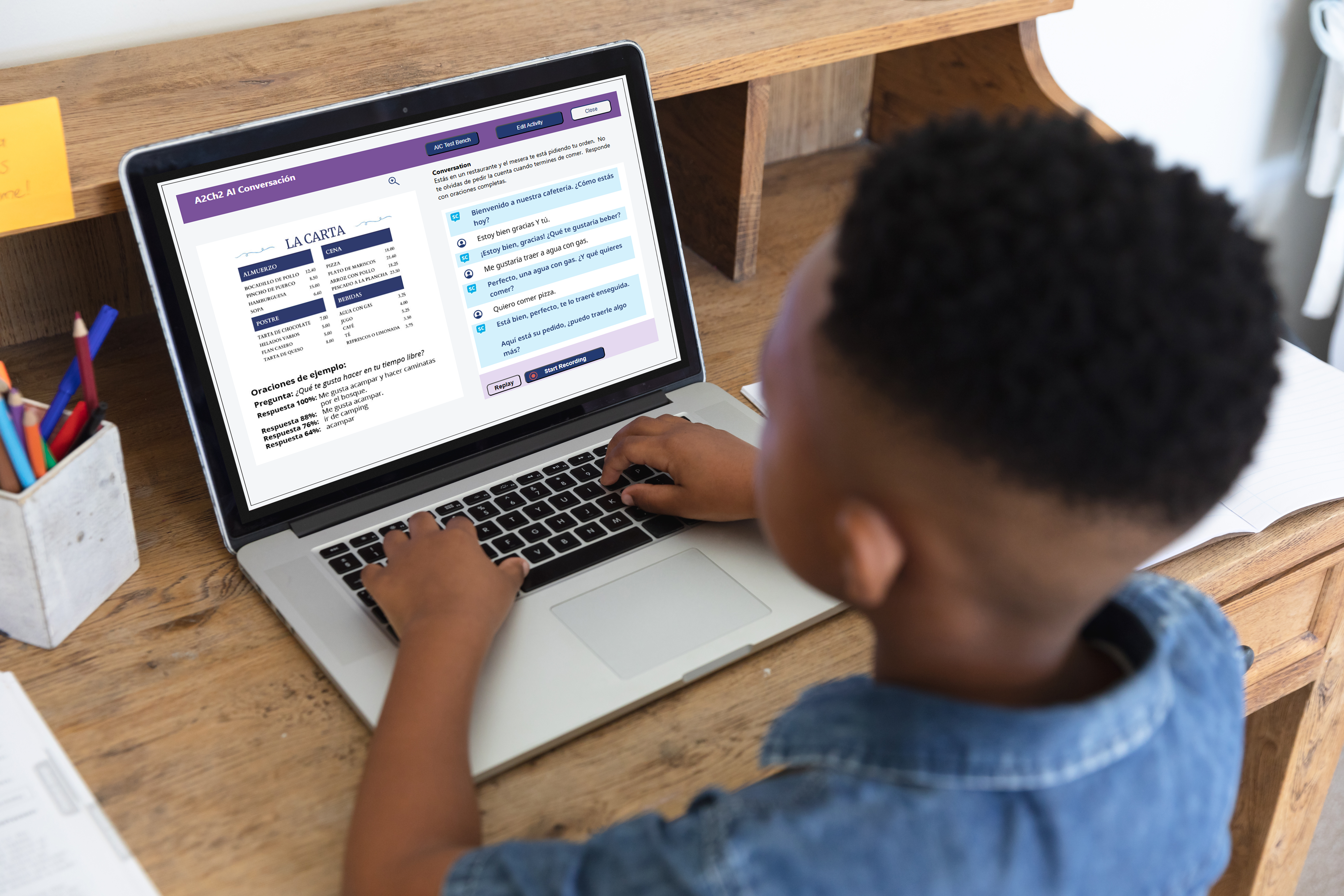

SmartClass online teaching platform has become a game-changer for, teachers around the world have...
Teaching a new language to students involves much more work and activities than just delivering lessons. From checking vocabulary exercises to evaluating pronunciation and monitoring individual progress, assessments can consume a significant portion of a teacher's week. What if some of that work is automated or handled by software? Well, automated grading software is making this possible; it is helping language educators spend less time on repetitive evaluation and more time on creating meaningful learning experiences.
Introduction: When Grading Takes Time Away from Teaching
For language teachers, assessment of student performance is a continuous job. From vocabulary exercises, grammar work, listening, written work, and speaking, every lesson packs huge assessment tasks into it. Moreover, it's imperative to have some form of grading to gauge how the students are progressing and keeping up with lessons. One major challenge teachers face is reviewing all assessments individually, which consumes a considerable amount of time. Time management further becomes hectic for teachers teaching multiple classes, each with a different level of ability. This is where automated grading software can actually make a difference.
By using automated grading software to assess routine exercises, teachers can focus more on quick feedback and devote extra time to the individual needs of each student. The aim is not to automate the teaching process or to take the human element out of education. It's simply to make assessment more manageable and give teachers more control over their time.
Not every language activity needs to be manually graded. A lot of the exercises (MCQs, vocabulary matching, fill in the blanks, word/sentence ordering) have very clear answer patterns. Checking these exercises individually can be tedious, especially if you've got the same exercise planned for multiple classes.
Automated grading software works well alongside routine assessment. Once the students submit their work, the system marks it and produces a score without the teacher having to monitor every single response.
This allows teachers to:
Over the course of a normal school week, these little savings add up to a significant amount.
Assessment is truly useful when the students understand where they went wrong and what they need to do to improve.
But when teachers have a large volume of work to mark, it's not always practical to give feedback straight away after every activity. Students then wait for days and weeks for their results, and by that time the class moves on to a different topic.
Automated grading software helps to close this gap. Students can get their scores and feedback quickly after completing an activity. They can see wrong answers, go back to revising the concepts and re-practise the lesson while it is still being taught.
Now, teachers have to spend less time throughout the week in going over the mundane errors and have more time to focus on the actual problems that the students are having.
Learning a language is not just about learning the grammar and doing the written exercises. The student needs to have the opportunity to speak, to listen, to respond and to communicate in a range of situations. Yet oral assessments can be very demanding for teachers. They have to listen to individual recordings, assess pronunciation and pick up on fluency problems. All of that takes more concentration thus more time!
Automated grading software is increasingly making the process easier to manage. AI-powered pronunciation and guided conversation activities can give students the opportunity for structured speaking practice and automatic feedback. The teacher can then look at the performance indicators and focus their attention on the students who are in need of further support.
The benefit is that technology can deal with some of the assessment bits throughout the week, freeing up the teacher to concentrate on the actual communication.
Another time-consuming responsibility for language teachers is monitoring individual student performance. Teachers need to know who is progressing, who is struggling with particular concepts, and who needs more attention in the classroom. It can be a real task to keep all that information in separate spreadsheets, notebooks, and assessment records.
Digital assessment platforms bring a lot of that information together. For instance, if a number of students are consistently having problems with verb tenses or pronunciation, then the teacher can use that to inform the planning of some revision work or some additional practice.
Rather than spending hours putting together assessment records, teachers can use the reports that are already available to them in order to make more informed instructional decisions.
Having the right technology and automated grading software is absolutely key to making automated assessment a viable part of day-to-day teaching. That's where SmartClass from Robotel comes in and provides a complete solution.
SmartClass is a digital language teaching platform that brings together interactive learning activities, automated marking, AI tools, and student progress monitoring. It allows teachers to organize their assessments, assign activities, and track student progress all within one platform.
Here are some of the ways it supports language teachers
SmartClass has a range of auto-graded activities, including multiple-choice questions, fill-in-the-blanks, vocabulary exercises and word/sentence jumbles. Over 50% of the activities in the integrated curricula are auto-graded.
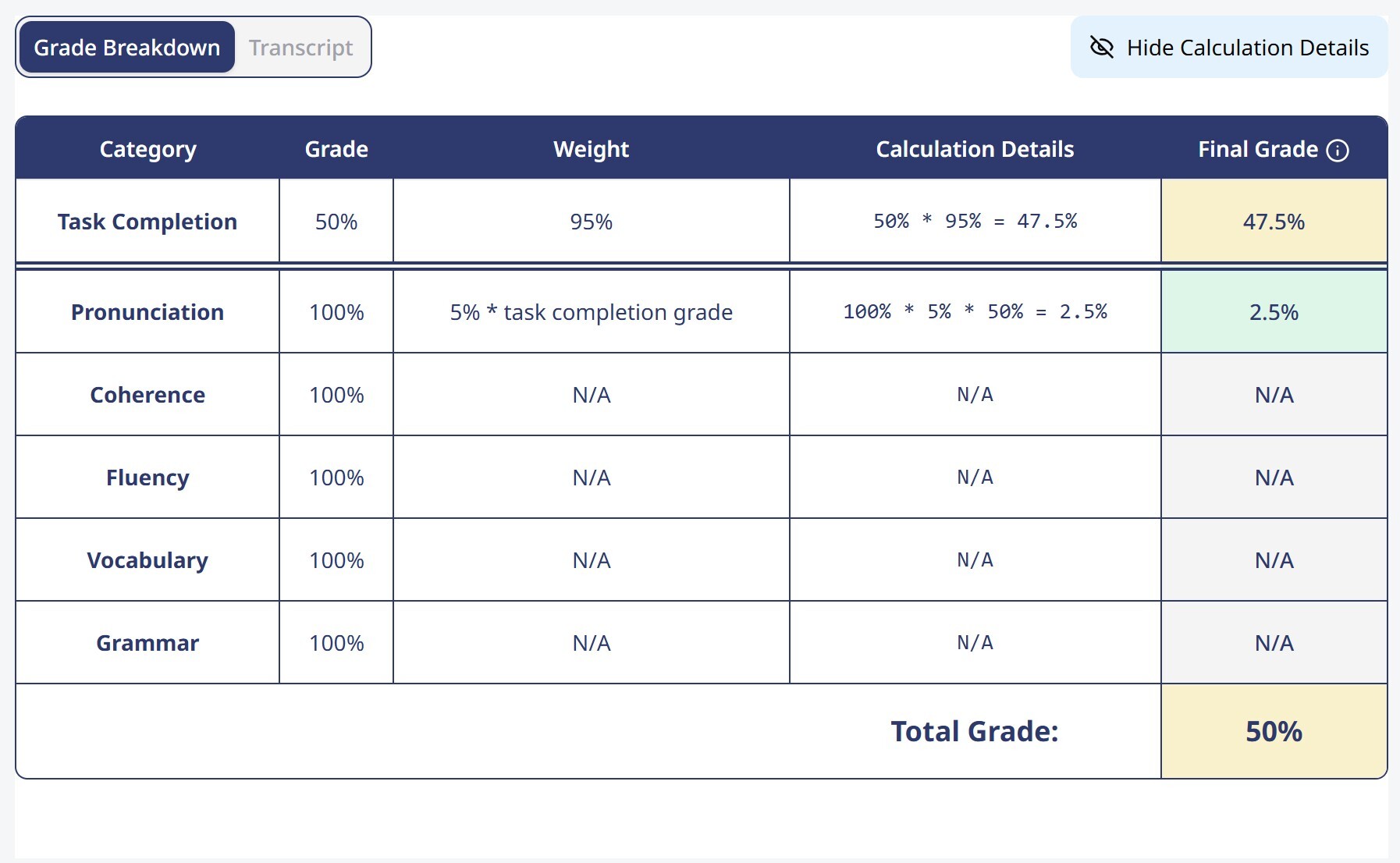
Language teachers can use AI to provide students with additional speaking practice via pronunciation and guided conversation activities. Some of the speaking templates are also capable of automated marking, which allows students to get feedback and, at the same time, reduces the manual marking load.
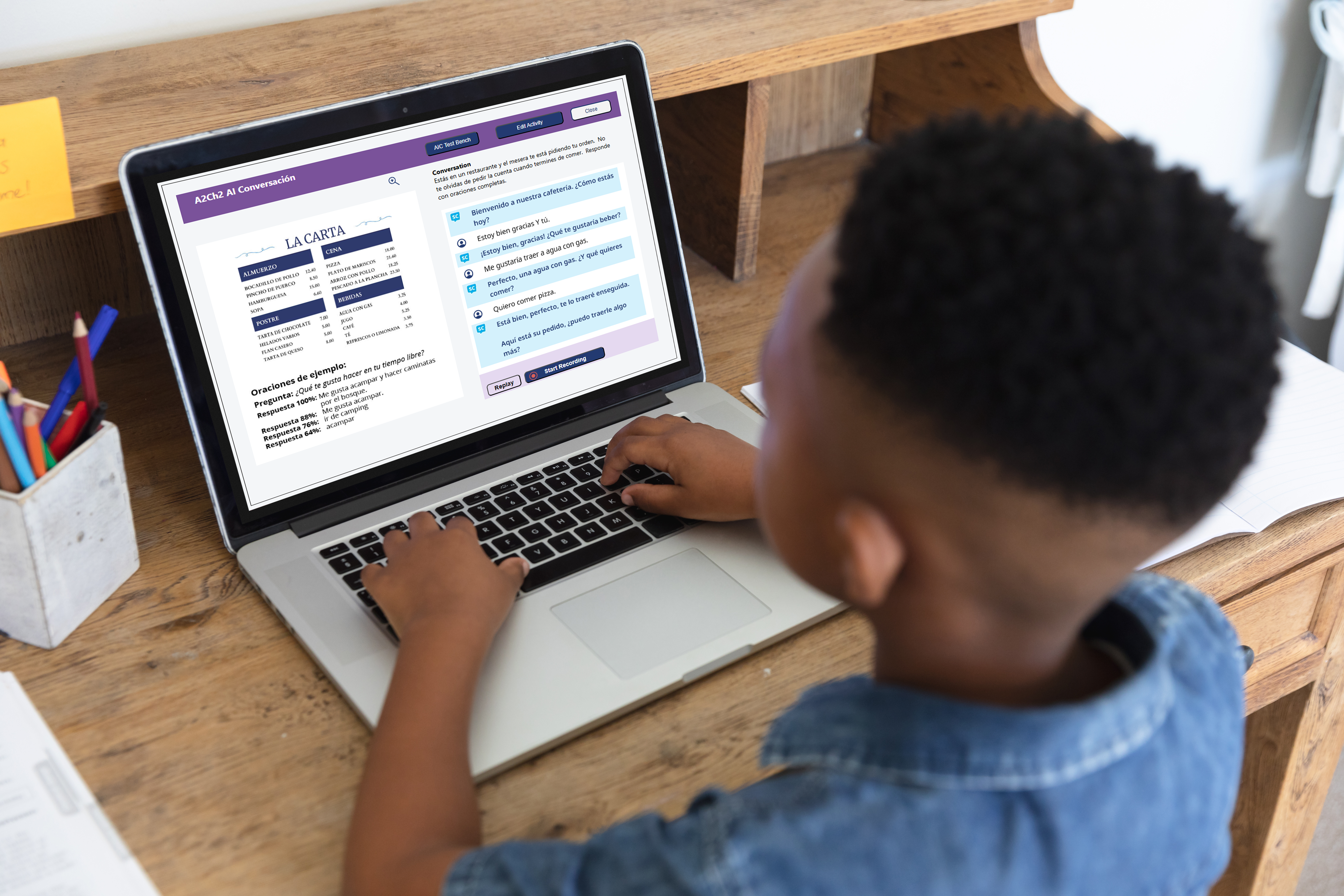
The Smart Activity Builder lets you create your own activities using either your own vocabulary lists or activities generated by the AI. You can create five different types of auto-graded activities: pronunciation, multiple choice, fill in the blanks, sentence jumble and word jumble. Teachers can review and tweak the activities before assigning them to students.
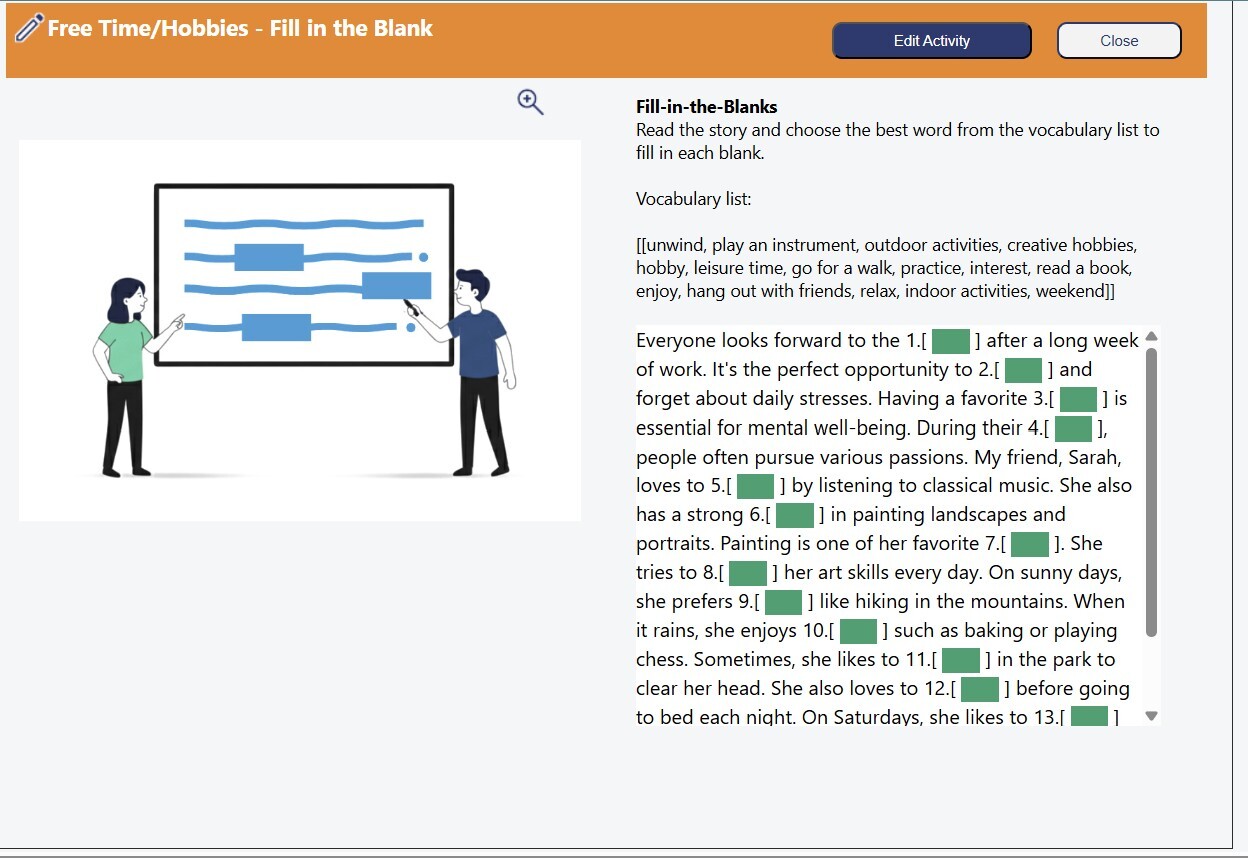
SmartClass provides usage and performance reports as well as grade books to enable teachers to track student progress. This in turn makes it much easier to spot learning gaps, review the results and plan appropriate intervention.
Whether it's teaching face-to-face, online or via a blended model, you can set tasks for your students to complete on their computers, tablets or smartphones. This flexibility makes it easier to incorporate regular assessments into different teaching environments.
The benefits of automated grading software go well beyond just the speed of assessment. It gives teachers the opportunity to rethink how they spend their time throughout the week.
Rather than spending hours on assessment and grading, teachers can concentrate on the portions that require their actual skill and presence. They can run talks, do one-to-ones, produce additional lessons, and give targeted tuition to those who require it.
For schools and educational institutions, the adoption of automated grading software can help in creating a more consistent marking process across classrooms.
Ultimately, these tools and software should make teaching easier, not harder. Done properly, automated marking can be a real asset for language teachers, enabling them to get on with the more enjoyable bits of the job and to strike a balance between assessment and teaching.
SmartClass by Robotel is an automated grading and digital language teaching platform designed for schools and language educators. It helps teachers assess vocabulary, grammar, pronunciation, and speaking activities while reducing repetitive grading tasks. SmartClass combines auto-graded exercises, AI-powered language practice, customizable learning activities, and student progress tracking in one platform, helping teachers spend more time on personalized instruction.
Robotel's SmartClass Language Lab provides AI-powered pronunciation assessment, guided conversations, and automated grading for supported speaking activities. Students can practice pronunciation and receive immediate feedback, while teachers monitor performance and provide additional guidance when needed. This makes SmartClass a suitable option for schools seeking to improve speaking practice and reduce the time teachers spend reviewing routine language assessments.
Yes. SmartClass includes a Smart Activity Builder that allows language teachers to create customized, auto-graded activities using their own vocabulary lists or AI-generated content. Teachers can develop multiple-choice questions, fill-in-the-blank exercises, pronunciation activities, word jumbles, and sentence jumbles. They can also review and modify activities before assigning them, making SmartClass useful for educators who need flexible assessments aligned with their curriculum.
Yes. SmartClass by Robotel supports in-person, online, and blended language learning environments. Teachers can assign digital activities, review automatically graded assessments, and monitor student progress through integrated reporting tools. The platform supports language instruction across different proficiency levels and learning settings, making it a practical option for K–12 schools, colleges, universities, and language education programs.
Schools should look for automated grading software that supports multiple language skills, provides timely student feedback, allows teachers to customize assessments, and includes performance reporting. AI-powered pronunciation and speaking practice can provide additional value. SmartClass by Robotel combines these capabilities within a language teaching platform, helping institutions manage assessments while supporting student communication skills. Schools can request a SmartClass demo to evaluate its features for their teaching requirements.


SmartClass online teaching platform has become a game-changer for, teachers around the world have...

In today’s fast-paced, technology-driven classrooms, language instruction is evolving rapidly. At...

In the digital age, technology has seamlessly woven its way into every aspect of our lives, and...

Leave a comment